


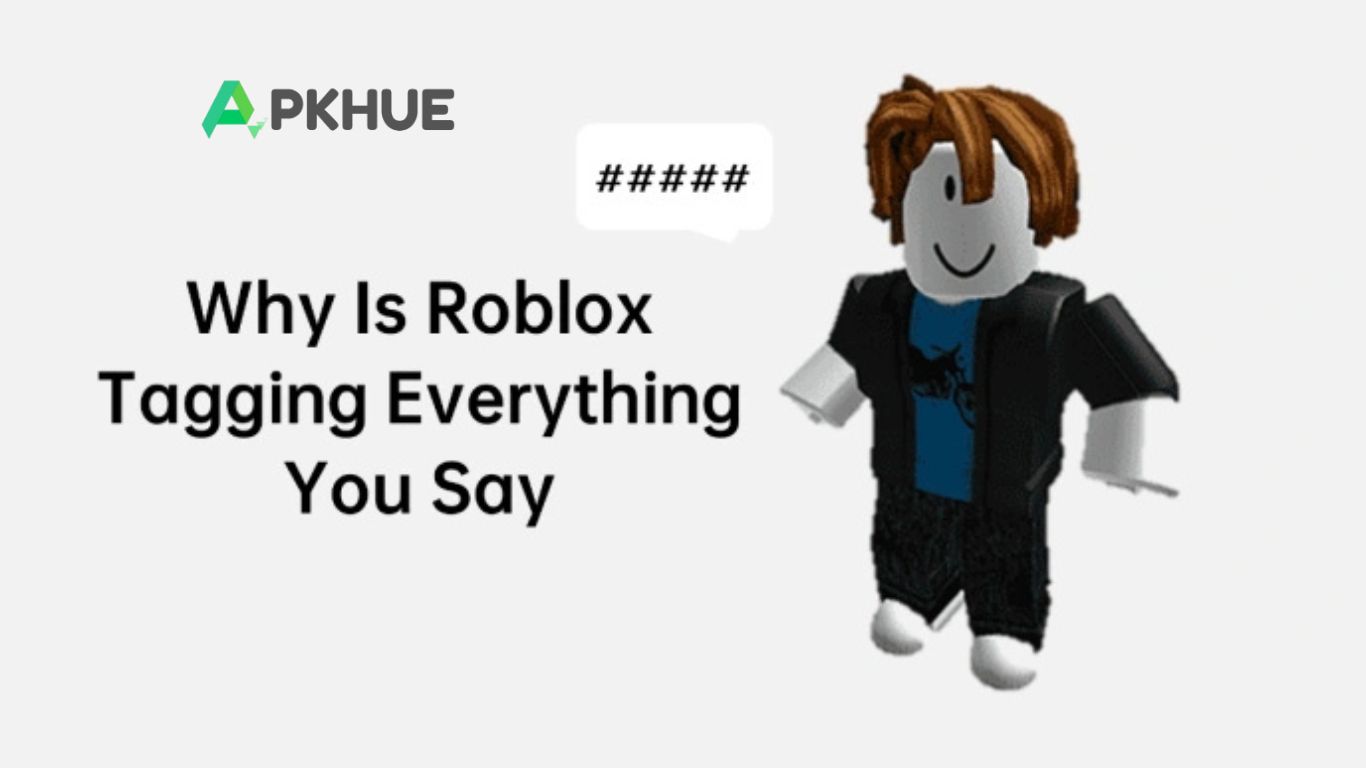
Roblox players sometimes face a frustrating issue where their chat messages are automatically tagged with hashtags, disrupting smooth communication. This problem can stem from several factors, including server issues, strict chat filters, or age-based restrictions that Roblox enforces to keep younger players safe. The platform’s chat moderation system may flag certain words or phrases and replace them with hashtags to prevent inappropriate content.
Additionally, server lag or technical glitches can trigger unexpected tagging. Understanding these causes helps players troubleshoot the problem and adjust settings where possible. Whether it’s verifying your account, reviewing age settings, or checking server status, knowing why Roblox tags messages ensures a smoother, more enjoyable chat experience.
What Is Roblox Tagging?
Roblox tagging happens when your chat messages are replaced with hashtags (e.g., “#####”). This text-filtering system is designed to protect users, particularly younger players, from inappropriate content. While it usually works effectively, glitches or overly strict filters can sometimes tag all messages, making communication difficult.
Read More: Star Sports Live APK: Ultimate Guide for Sports Fans
Why Is Roblox Tagging Everything I Say?
Server Issues
Widespread tagging can result from server disruptions. For example, a partial server outage in July 2024 replaced all chat messages with hashtags. During such incidents, Roblox’s chat filter may glitch and censor everything you type. Check Roblox’s server status to see if issues are affecting chat.
Chat Restrictions
If servers aren’t the problem, chat restrictions may be the cause. Roblox filters out offensive language, expletives, and sensitive content. Messages containing such words appear as hashtags. Test by sending a neutral message like “hello” to see if tagging continues.
Age Restrictions
Accounts for players 12 and under are subject to stricter filtering to protect young users. Most messages from underage accounts are automatically tagged. Users 13 and older encounter fewer restrictions, though some filtering still applies.
Has Roblox Tagging Everything Happened Before?
Yes, this issue has happened multiple times. The most recent case occurred on July 22, 2024, when a bug replaced all chat messages with hashtags. A similar problem arose in October 2023 following updates to Roblox’s chat filter. Typically, these issues are resolved quickly through server updates and bug fixes, restoring standard chat functionality.
Frequently Asked Questions
What does Roblox tagging mean?
Roblox tagging happens when your chat messages are replaced with hashtags (e.g., “#####”) due to text filtering.
Why is Roblox tagging everything I type?
This can occur because of server issues, strict chat filters, or age-based restrictions on your account.
Are certain words more likely to be tagged?
Yes. Roblox filters offensive language, expletives, and sensitive content to keep chats safe, especially for younger players.
Does age affect chat tagging?
Accounts for players 12 and under are subject to stricter filters, while users 13 and older experience fewer restrictions.
Has this tagging issue happened before?
Yes. Similar incidents occurred in October 2023 and July 2024 due to chat filter updates or server bugs.
How can I fix Roblox tagging messages?
Check your account age, send neutral messages, and verify Roblox’s server status. Most issues resolve automatically.
Will Roblox permanently tag all messages?
No. Tagging is usually temporary, caused by filters or glitches, and standard chat functionality is restored after updates.
Conclusion
Roblox tagging, where chat messages are replaced with hashtags, is usually caused by server issues, strict chat filters, or age-based restrictions. While frustrating, these measures protect users, especially younger players, from inappropriate content. Most tagging problems are temporary and resolve through server updates or minor account adjustments. By understanding the causes—such as offensive words, technical glitches, or underage account settings—players can troubleshoot effectively and enjoy smoother communication.
